
Stowood have produced a number of videos to aid hook up to the equipment we support.
Click on the QR code to navigate to the appropriate video. Feel free to use the QR code in your own patient instructions- you can right click on the QR code and click ‘Save Image As’ to save the image of the QR code onto your computer for your use.
| Device | Button start | Timer start |
|---|---|---|
| Viatom Checkme O2 & Checkme O2 MAX | 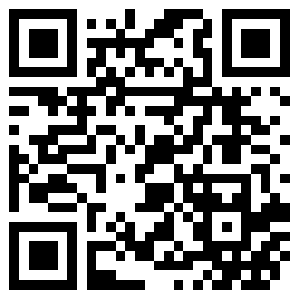 | N/A |
| Stowood Black Flash | 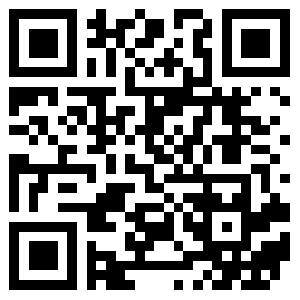 | 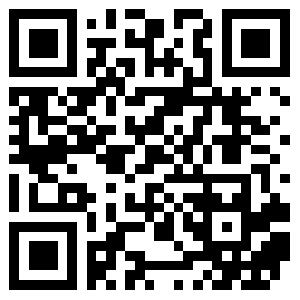 |
| Stowood Black Flash Plus | 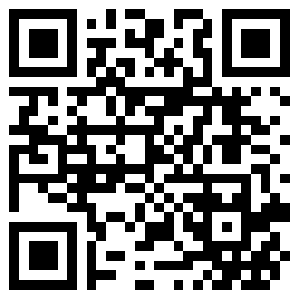 | 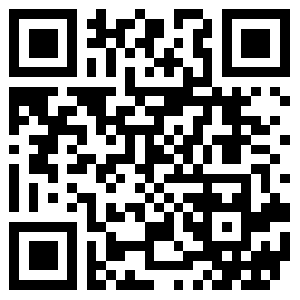 |
| Stowood Black Shadow | 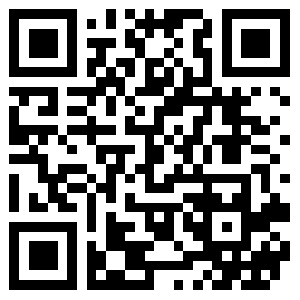 | 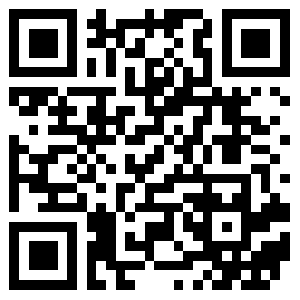 |
| Natus Embla Embletta | N/A | 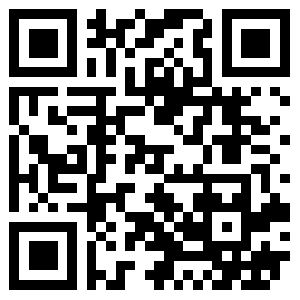 |